
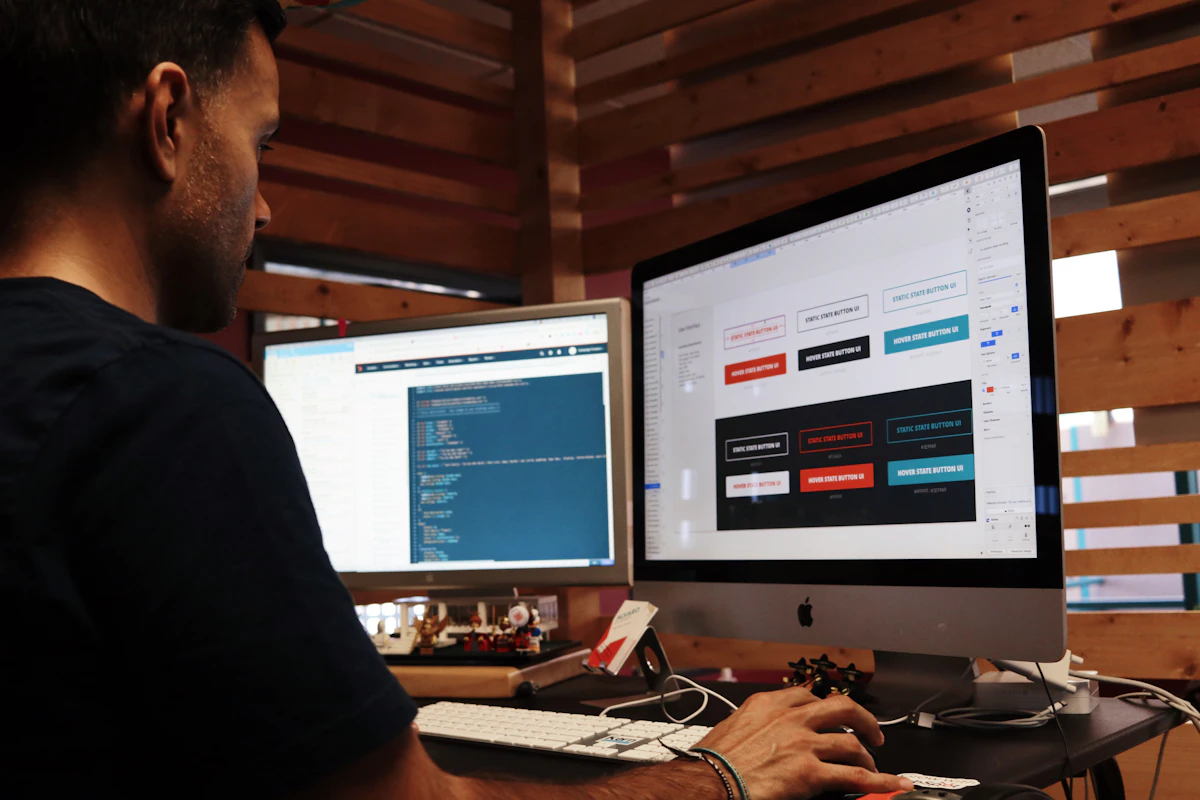
Off-brand slides don’t just look bad—they steal time, breed frustration, and turn your team into a formatting police force.
You’ve seen it happen. A colleague sends a deck to review, only to find 27 slides with the wrong font, 14 with the corporate blue washed out to corporate blue-ish, and three that somehow use Calibri instead of Arial. You spend the next hour fixing it. Multiply that across a dozen decks a month, and suddenly your team’s productivity drips away like a leaky tap—hard to notice at first, impossible to ignore later.
The real price of off-brand formatting
A single off-brand slide might cost five minutes to fix. Five minutes seems trivial until you tally it up.
* One team of 12 produces 40 decks a quarter.
* Each deck averages six slides with off-brand issues.
* Each issue takes four minutes to correct.
That’s 192 hours a year spent fixing slides that should have been right the first time. That’s five working weeks. That’s someone’s entire holiday.
And that’s just the measurable cost. Add the cost of frustration, the slowdown in decision-making, and the risk of eroding trust in your brand’s professionalism. Off-brand formatting isn’t just an aesthetic flaw—it’s a productivity tax.
Where the waste happens
The damage starts early, often in the first draft.
Someone copies a slide from last year’s presentation. The template’s branding has changed, but the old slide keeps the outdated font family. Someone else pastes a chart from Excel. Excel uses its default colours, which don’t match the brand palette. A third person imports a screenshot and the contrast fails WCAG standards because no one checked the alt-text colour against brand guidelines.
Then the slide goes to review. The reviewer notices the mismatch. They fix it, but the file now has two versions of the same brand colour—one hex code in the image, another in the theme. Next time someone uses that theme, the clash reappears.
And the cycle continues.
The waste isn’t in the fixing. It’s in the repetition. Each off-brand slide is a micro-decision deferred, a standard ignored, a future correction guaranteed.
How brand drift spreads like a virus
Brand consistency isn’t about style. It’s about cognitive load.
Every time someone sees a slide with the wrong font, their brain notices the discrepancy. That’s not a neutral observation. It’s a subconscious signal that the brand isn’t reliable. And in enterprise settings, where decks represent your company to clients and investors, unreliability is costly.
Brand drift starts small. A misaligned bullet. A slightly off shade. A font substituted because “it’s basically the same.” But each drift compounds. One slide gets fixed. Another gets copied. Soon, the original brand intent is buried under layers of compromise.
The false economy of “good enough”
Some teams accept off-brand slides because they believe it saves time. They’re wrong.
Good enough is a myth that masks the real cost. Reworking a single slide once might feel efficient. Reworking it six times because the theme’s colours keep breaking—that’s not efficiency. That’s technical debt.
And technical debt in presentations is harder to see than in code. No one runs a lint check before a client pitch. No one schedules a “presentation refactor” sprint. So the debt grows, quietly, until the next big review—and by then, the cost has ballooned.
Break the cycle today
You can’t fix brand consistency with a memo. You need a system.
Start with one rule: no slide leaves your desk without the correct branding. Enforce it through tools, not exhortations.
1. Use a single source of truth for brand assets. Store your official fonts, colours, and templates in one accessible place. Make it impossible to use the wrong font because the right one isn’t available.
2. Automate the checks. Let software flag off-brand slides before they reach a colleague’s inbox. Automation turns a five-minute fix into a 30-second alert.
3. Make fixing easy. If someone spots an issue, the tool should let them correct it with one click, not a manual recolouring exercise.
Implement this, and you’ll reclaim those 192 hours a year. Not by working harder. By removing the friction that drains your team’s time.
Off-brand slides are a silent productivity killer. Stop them before they stop you.